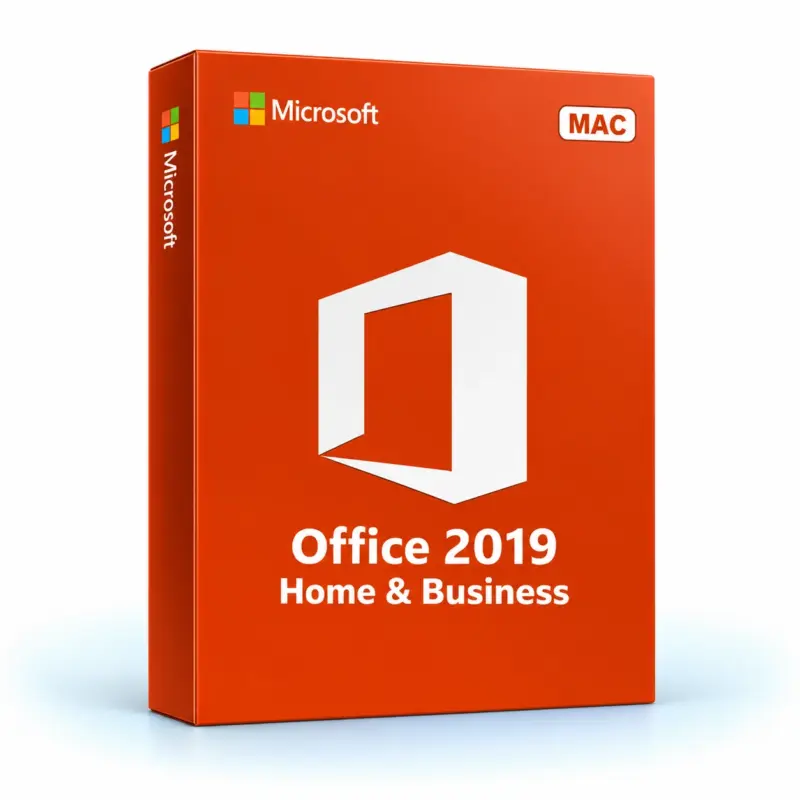
With Office 2019 Home and Business, you will receive a genuine Microsoft licence that can be activated directly on the official Microsoft website.
Transferable licence
This type of Office 2019 licence is linked to your Microsoft account. It can easily be reinstalled on another device when necessary, without having to purchase a new licence.
IMPORTANT: You will receive a redemption code that generates a licence via your Microsoft account. Once you have redeemed this code, a licence key (different from the one you received
(from us) will be assigned to your account to activate the product. The licence key can be found in the ‘Services and subscriptions’ section of the Microsoft Dashboard.
Description and applications
Get everything done with Office 2019 Home and Business for Mac. Take your productivity to the next level with the latest version of the classic Office apps and email. Office
2019 includes new pen input tools, data types, functions, translation and editing tools, animated graphics and more innovative ways to work efficiently!
Office 2019, just like its predecessors, is available in a range of packages, each designed to meet different needs. Whether you want Office for personal use or
Whatever your professional needs, Microsoft has the right package for you.
‣ Microsoft Word 2019
Create, edit and manage professional text documents in Word 2019. With new translation tools, easier reading and more natural writing, you can improve your ability to communicate and absorb information. New SVG integration, support for LaTeX syntax, Microsoft Translator and learning tools boost your productivity. Documents are now easier to find and more convenient to navigate thanks to book-like browsing features and side-by-side viewing.

‣ Microsoft Excel 2019
Create and manage tables and carry out more powerful data analysis with Excel 2019. In this version, Excel offers all kinds of tables, from accounting to product databases. Among other things, amazing new features and functions – such as formulas, map and funnel charts, enhanced visual elements, publishing to Power BI, new themes, precise selection and more – offer new ways to visualise data in an engaging manner. What’s more, improved graphics, enhanced pen input, easier sharing and better accessibility features save you time whilst allowing you to enjoy a familiar workflow.
 ‣ Microsoft PowerPoint 2019
Create more sophisticated and visually appealing content to capture your audience’s attention with PowerPoint 2019. The latest version of this popular tool includes enhanced visual effects, such as the Morph transition, Text Highlighter and Zoom features. It also allows you to make your presentations more dynamic with 3D models, background removal, 4K export, Ultra-HD recording capabilities and much more.
‣ Microsoft OneNote
Your personal digital notebook, OneNote lets you type, write or draw notes and insert images, audio or video clips from the web. OneNote is available online and syncs with your other devices. It lets you access, update or create new notes wherever you are. There isn’t an updated 2019 version, but OneNote 2016 is available for Office 2019.
 ‣ Microsoft Outlook 2019
Send, receive and manage your emails more efficiently with Outlook 2019. Outlook gives you access to all your stored contacts and email addresses, allowing you to keep your partner and customer details up to date. What’s more, the improved app offers you more options with updated contact cards, @mentions, a personalised inbox, travel package cards and much more. To minimise your workload, you can schedule meetings across different time zones, listen to your emails, automatically download cloud attachments and set reminders to appear in the windows you’re working in.

System requirements
| Platform |
macOS |
| Supported operating systems |
mac os |
| Processor |
A 32-bit or 64-bit processor running at a minimum of 1 GHz and supporting the SSE2 instruction set |
| RAM |
At least 2 GB of RAM |
| Hard disk |
At least 3 GB of available memory |
| Graphics card |
DirectX 10 support is required for the GPU-accelerated interface and a display with a resolution of 1024 x 768 pixels |
| Browser |
The current version of Internet Explorer, Chrome, Firefox, Microsoft Edge or Safari |
| .NET version |
At least .NET 3.5 |