

Windows 10/11 activation
To activate Windows 10/11 by phone:
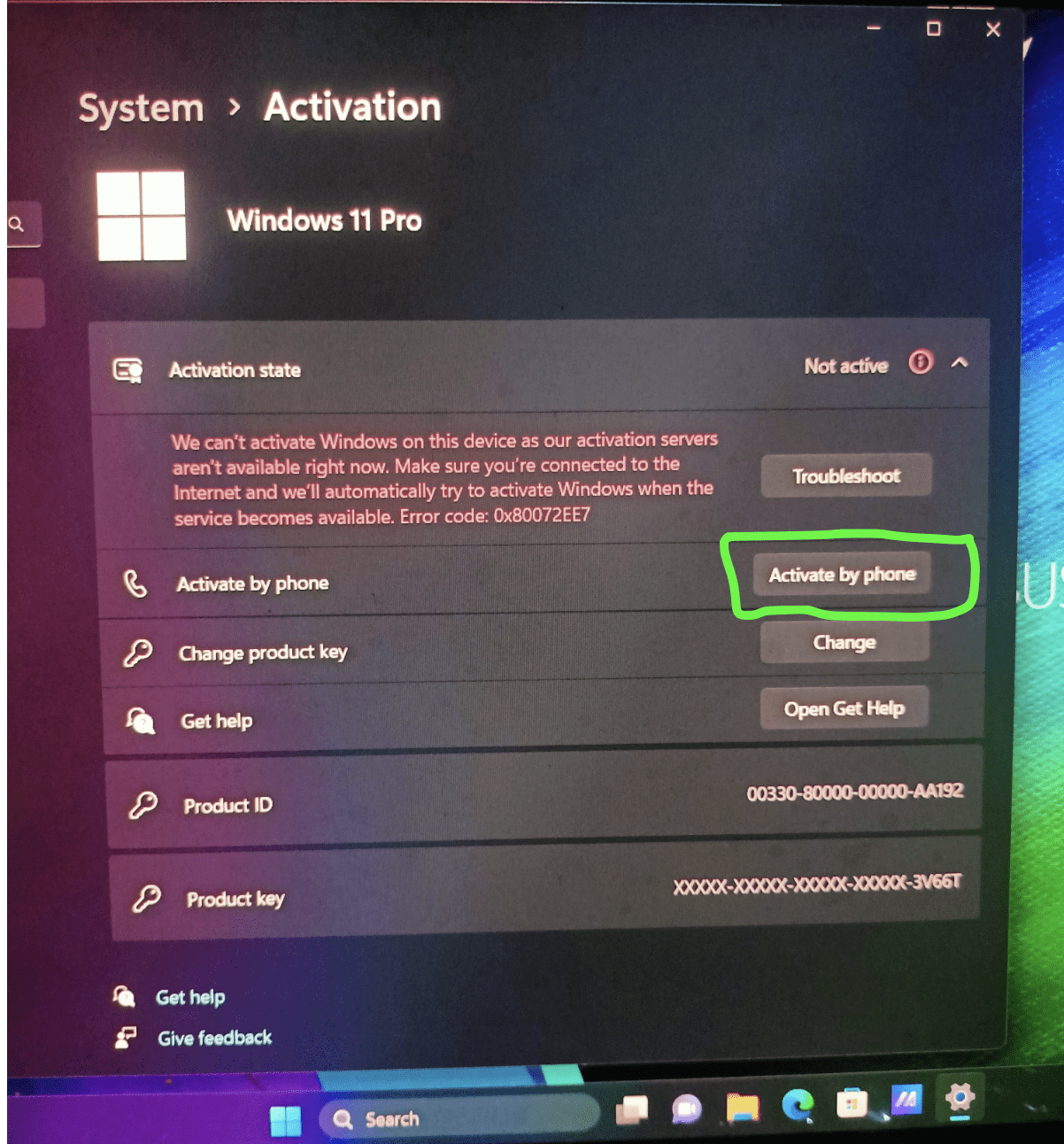
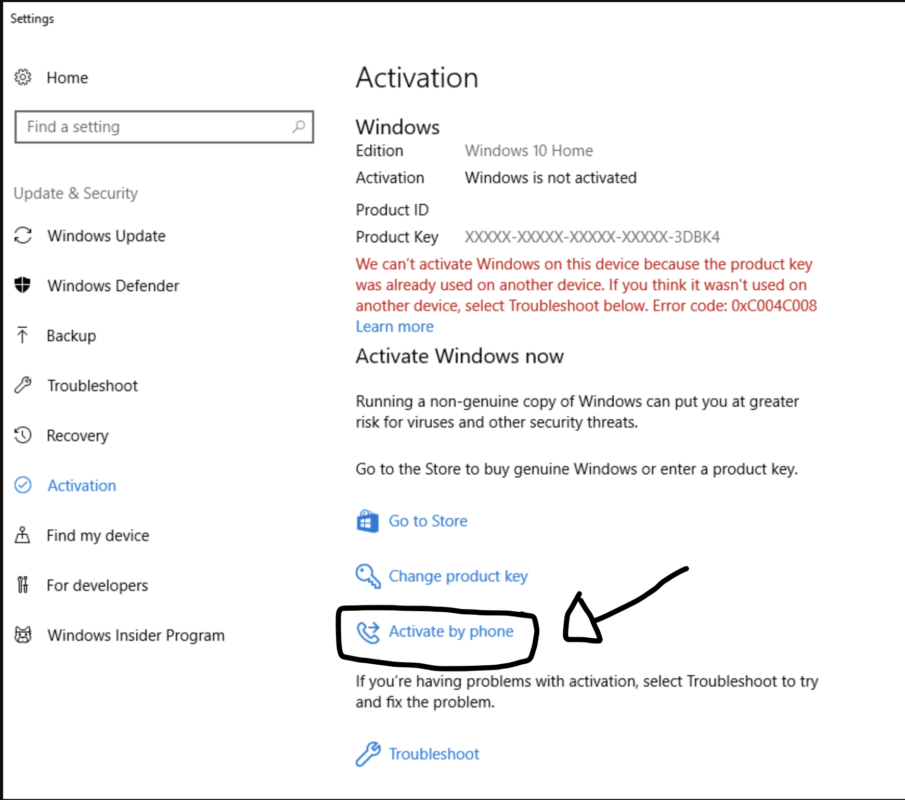
- Select Start > Settings > Updates and security > Activation .
- Under the section Activate Windows now , select Activate by phone.
- Select your location or the closest location from the drop-down list, and then select Next.
- Call one of the available phone numbers listed. An automated system will guide you through the activation process.

- If you are unable to complete the activation successfully, you will be connected to Microsoft support for your region and country.
Or, if the option is not available Activate by phone :
- Awards Windows key + R, type slui 4 in the Open box, select OK.
- Select your location or the closest location from the drop-down list, and then select Next.
- Call one of the available phone numbers listed. An automated system will guide you through the activation process.
- If you are unable to complete the activation successfully, you will be connected to Microsoft support for your region and country.