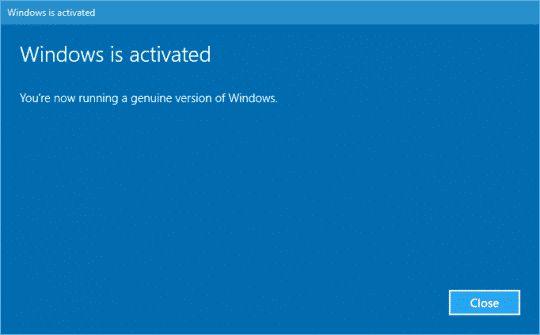
come attivare windows 10/11 professional
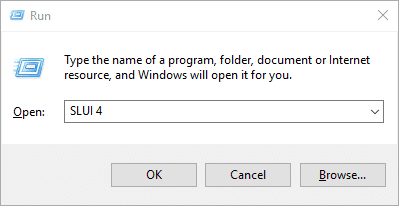
1- Press the Win+R keys to open Run, then type: SLUI 4, then click OK. (Note that there is a gap between SLUI and 4).
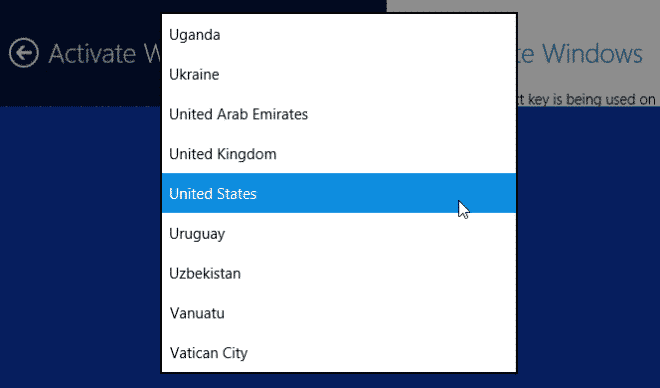
2- Select your country or region, then click the Next button.
3- Call the phone number provided to reach the Microsoft Product Activation Center. You will first be guided through an automated menu where you will have to answer a few questions about which product you are trying to activate (Windows 10), whether you have activated it before (No), and whether you have a product key (Yes).
4- The automated system will now describe the Internet activation process. You already know this information, but just wait for it to be completed. When finished, the system will ask you if you still need help. Say “Yes,” and then you will be taken to a human operator.
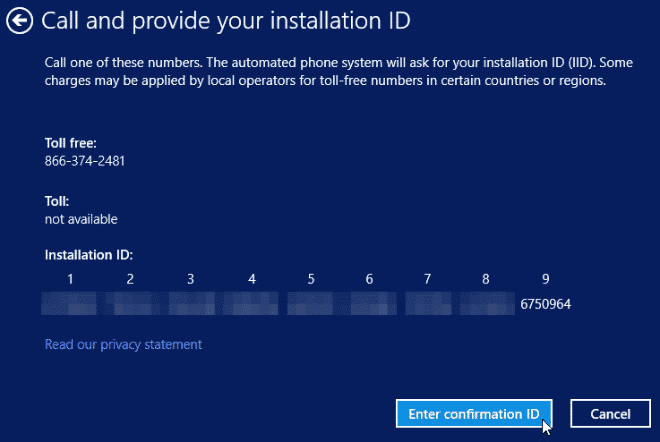
The human operator will ask you to confirm which product you are trying to activate (Windows 10) and then ask if you have an installation ID (Yes, it is on the same screen as the phone number you called). to a human operator.
6- The human operator will ask you to read that number. I have found that they read relatively quickly and hold up well; and if you speak clearly, you usually only have to read it once.
7- The human operator will return you to the automated phone system, which after a few brief instructions will read your confirmation ID. Then, once the human operator returns the call to the automated system, click “Enter Confirmation ID” and enter the numbers as they are read to you. The human operator will then return you to the automated phone system, which after a few brief instructions will read your confirmation ID. Then, once the human operator returns the call to the automated system, click “Enter Confirmation ID” and enter the numbers when they are read to you. be taken to a human operator.
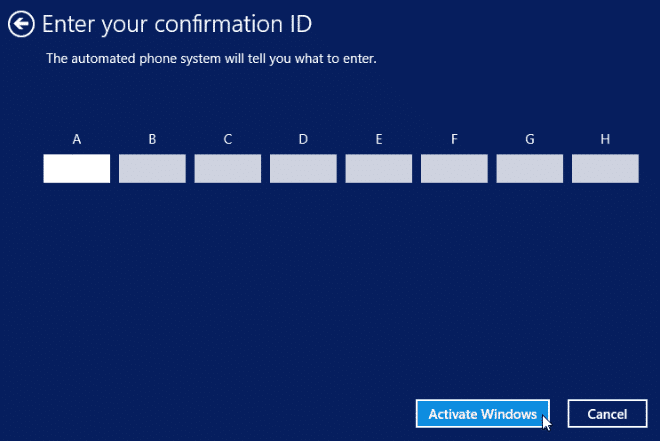
8- Once you have entered the confirmation ID, you can click Activate Windows, and if the product key is valid and the numbers have been entered correctly, you should be ready.